

An AI WhatsApp agent works by answering a patient’s WhatsApp message at once, working out what they want, asking a few set questions, replying from information your clinic has approved, and passing the conversation to your staff when a person is needed. This guide is for owners and managers of clinics and medical centers in Dubai and across the UAE. It explains the whole process in one place and points you to the detailed guide for each part.
Short answer: The agent handles the first layer of a WhatsApp enquiry: responding, understanding, qualifying, answering, following up and handing over. It handles sales and enquiries only. It never gives clinical advice, it answers only from approved information, and a person takes over whenever judgement is needed. Your team still confirms appointments and handles everything that matters.
What an AI WhatsApp agent is
An AI WhatsApp agent is software that holds a conversation with a person on WhatsApp, in plain language, within rules your clinic sets. It supports your reception team. It does not replace it.
A basic chatbot offers fixed menu options and fails when a patient writes something unexpected. An AI agent reads what the patient actually wrote and replies to it. The difference matters because patients do not write in menus. They write “do you have a dermatologist on Saturday?” or “how much is whitening?” and expect a sensible reply.
The agent works inside limits your clinic decides. It uses approved information, follows set conversation flows, and hands over to a person at points you define. HAY Consultants helps healthcare businesses design this through its AI WhatsApp agent service for clinics.
How a conversation moves through the agent
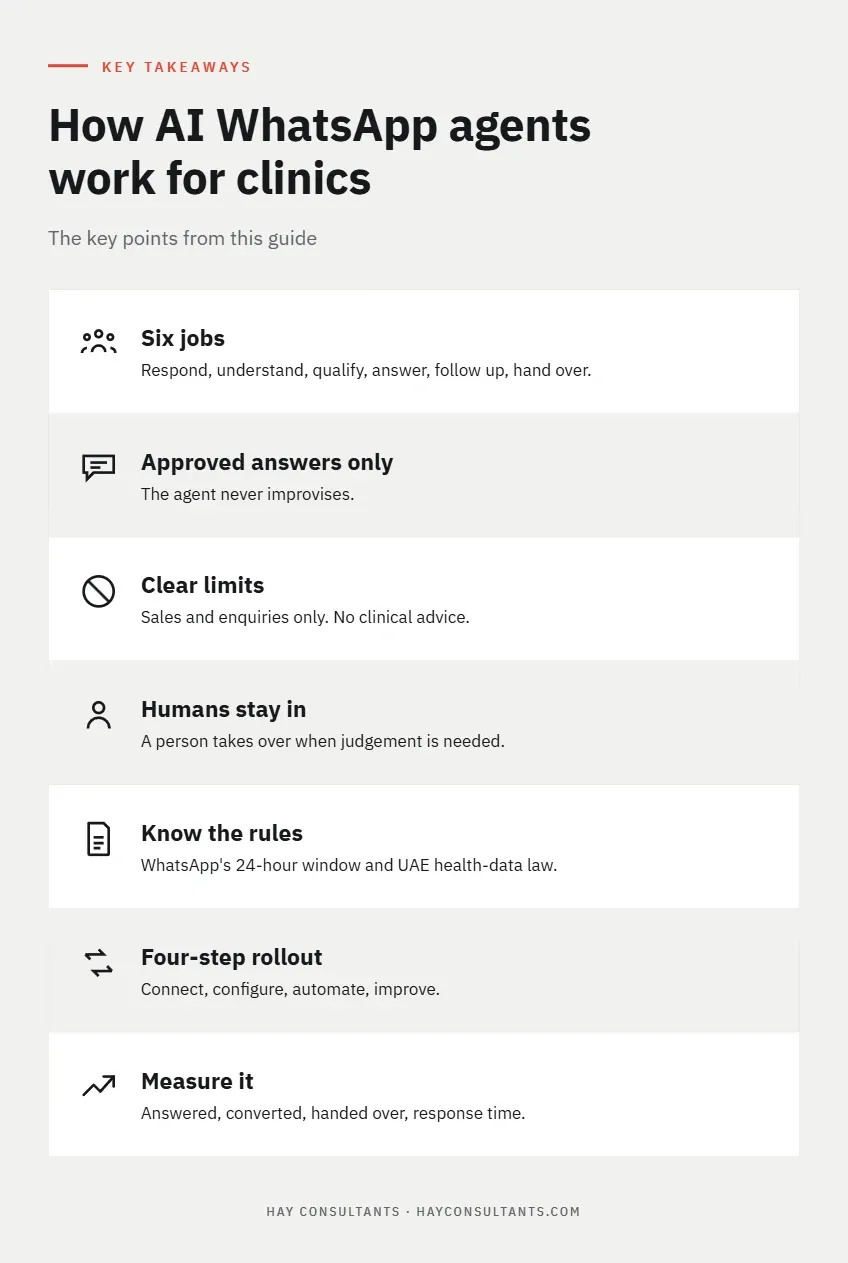
A conversation passes through six jobs. Each has a detailed guide.
- Respond. The agent replies at once, at any hour, so the patient knows their message arrived. Slow replies lose patients quietly, because the patient never complains and simply books elsewhere. Our guide to missed WhatsApp enquiries at clinics explains how to find the enquiries you are missing and measure them.
- Understand. The agent works out what the person is asking for, such as a service, a doctor, a branch or a booking.
- Qualify. The agent asks a short set of questions so your team has the context to act. Our guide to WhatsApp qualification questions for clinics covers which questions to ask, in what order, and how the answers decide who deals with the enquiry next.
- Answer. The agent replies to common questions from text your clinic has approved. If there is no approved answer, it hands over.
- Follow up. The agent continues the conversation when the patient has not completed the next step.
- Hand over. The agent passes the conversation to a person with a summary. Our guide to setting up human handover on a clinic WhatsApp AI agent covers who is alerted, how staff take over and how the conversation ends.
For a fuller picture of what the agent does and what it must not do, read our 24/7 AI sales agent guide for clinics.
Who does what: the agent and your team
The split of work is simple. The agent takes the repetitive first layer. Your team keeps everything that needs judgement or authority.
| The agent | Your team |
|---|---|
| Replies to every message, including outside reception hours | Confirms every appointment slot |
| Asks the qualification questions you set | Shares fees the agent has not been approved to quote |
| Answers common questions from approved text | Handles clinical questions, through the clinic’s own process |
| Follows up when a patient goes quiet | Deals with complaints and unhappy patients |
| Writes a summary for staff at handover | Handles insurance and payment questions |
| Hands over when a person is needed | Records the outcome and closes the conversation |
This split is why a rollout is a design exercise before it is a technical one. Someone has to decide, row by row, which side each task belongs on.
What the agent never does
The agent works inside clear limits. These do not change from clinic to clinic.
- It does not diagnose, assess symptoms or give treatment advice.
- It does not promise medical results.
- It does not answer from information your clinic has not approved.
- It does not promise an appointment slot. Staff confirm every booking.
- It passes sensitive or clinical questions to a person.
If a message mentions symptoms, pain or urgency, the agent stops collecting details. It tells the patient that a team member will contact them as soon as possible, and advises them to phone the clinic or use emergency services if they believe they need urgent care.
Illustrative example: one enquiry through all the jobs
Illustrative example. This conversation is invented to show the process. It is not a real patient or a real clinic.
Patient (10:40 pm): Hi, do you do teeth whitening? I would like to book.
Agent: Hello, thank you for contacting the clinic. Yes, we offer teeth whitening. I can take your request and pass it to our team. Which branch suits you best?
Patient: The main branch.
Agent: Thank you. Which two days and times would suit you?
Patient: Saturday morning or Monday evening.
Agent: Noted. May I have your name?
Patient: (gives name)
Agent: Thank you. I have passed your request to our team. A team member will confirm a time with you during opening hours.
The agent responded within moments, understood the request, asked three questions, answered from approved text and handed over with a summary. It did not promise Saturday, quote a fee it was not approved to quote, or ask for an ID number. In the morning, a member of staff reads the summary, confirms a slot and closes the conversation.
The guides, by topic
Each guide covers one part of the process in depth. This table shows which to read for which question.
| If you want to know… | Read |
|---|---|
| How many enquiries you are missing, and how to measure them | Missed WhatsApp enquiries at clinics |
| How an appointment request moves from the first message to staff confirmation | Clinic WhatsApp appointment booking flow |
| Which questions to ask, and how to route each enquiry | WhatsApp qualification questions for clinics |
| How to run enquiries across more than one branch | Multi-branch clinic WhatsApp enquiries |
| How staff take over from the agent | Clinic WhatsApp human handover |
| What the agent does and must not do | 24/7 AI sales agent for clinics |
Approved answers: the base of everything
Every part of the process rests on approved answers: short replies your clinic has signed off, which the agent uses for common questions. If the answers are wrong, out of date or missing, the agent either gives a wrong reply or hands over too often.
Treat them as a single set that is controlled in one place, a single source of truth. Give one person the job of approving each answer. Date every answer. Review the set whenever hours, doctors or services change. Decide for each service whether the agent may quote a fee. If it may not, the approved answer is that a team member will share it.
A question with no approved answer goes to a person. The agent never improvises.
The rules that shape it
Two sets of rules affect every clinic using WhatsApp for enquiries: Meta’s rules for the platform, and UAE law on health data.
WhatsApp’s rules
As of 8 October 2026, the WhatsApp Business Messaging Policy sets out four points that matter here:
- On the WhatsApp Business Platform, a business can reply without a template only within 24 hours of the patient’s last message. After that, only approved templates are allowed.
- Automation is allowed inside that window, provided the patient has a prompt, clear route to a person.
- A business may contact people only if they have given their number and opted in.
- Businesses must not ask people to share personal ID card numbers or payment card numbers.
The first point sets a deadline for staff. The second means a patient must always be able to reach a person.
UAE health-data law
Even a simple enquiry can reveal health information, such as a request to see a dermatologist. UAE law treats health information with extra care. Federal Law No. 2 of 2019 on the use of information and communication technology in health fields was issued on 6 February 2019. You can read it on the UAE Ministry of Justice legislation portal.
In plain words, the law requires health data to be kept confidential (Article 4). It bars the use of patient information for non-health purposes without the patient’s written approval, with listed exceptions (Article 16). It also generally bars storing or moving health data tied to services in the UAE outside the country, except in cases set by a Health Authority decision (Article 13). The UAE government portal describes the law as covering health care in the UAE, including free zones.
Practical steps follow from this. Collect only what your team needs, which is data minimization. Leave out ID card numbers, payment card details, symptoms and medical history. Ask any provider where chats are stored, who can read them and how long they are kept. Other emirates have their own rules as well. Abu Dhabi’s Department of Health, for example, publishes its own digital health policy. Confirm your own position with the relevant authority or a UAE-qualified adviser.
This guide is general information, not legal, tax or financial advice. Confirm regulatory points with the relevant authority or a UAE-qualified lawyer.
How a rollout works
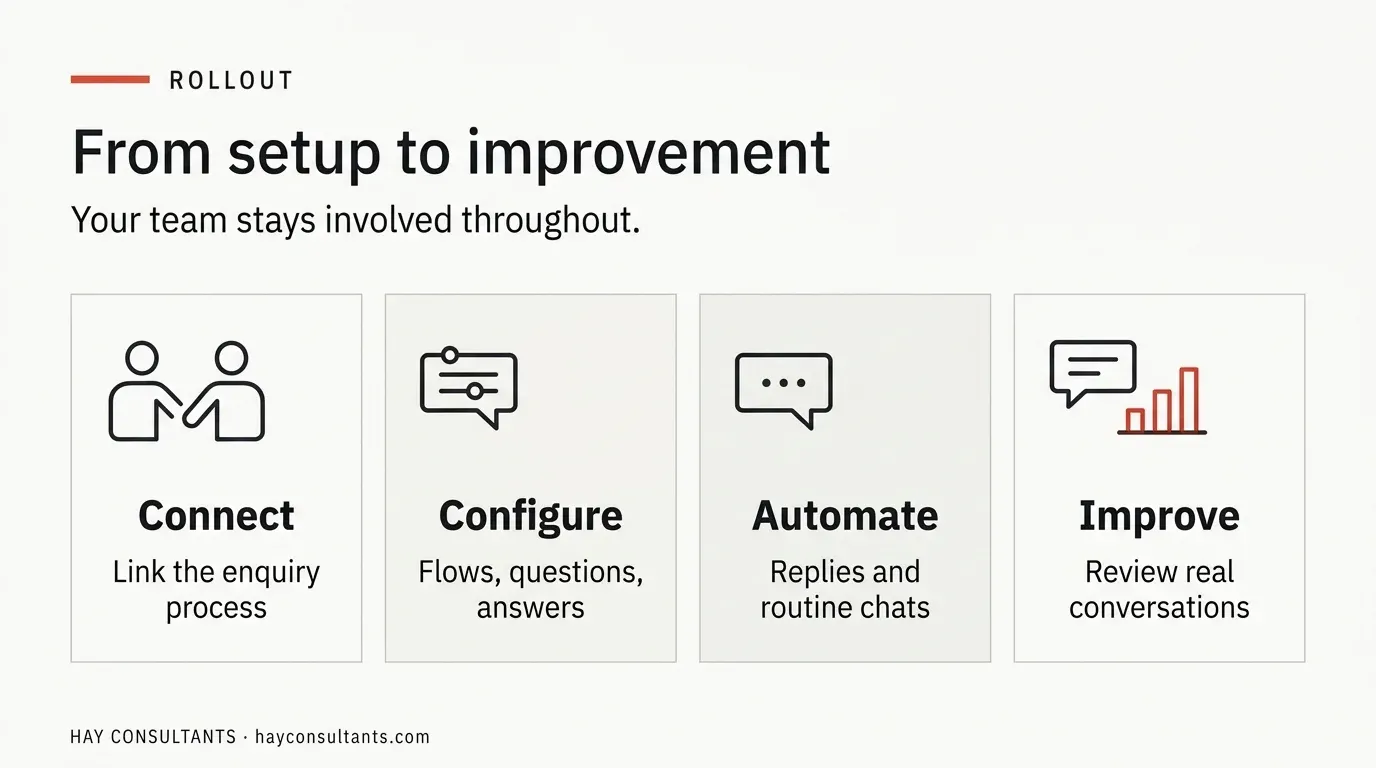
A rollout follows four steps, and your team stays involved throughout.
- Connect. The agent is linked to your WhatsApp enquiry process.
- Configure. Conversation flows, frequently asked questions, qualification questions and approved answers are built around your clinic.
- Automate. The agent replies to incoming enquiries, collects information and manages routine conversations.
- Improve. You review real conversations and adjust the flows, answers and handover rules.
Many clinics begin with after-hours enquiries and widen the agent’s role once the answers are proven. That is a sensible approach, not a requirement. Whatever you choose, test the process with realistic conversations before patients use it, including the awkward ones: messages out of order, a request for a person, a mention of symptoms, and a question with no approved answer. Ask a receptionist to run the tests, not only the person who built the flow.
If you want a second opinion on where to begin, talk to HAY Consultants about your WhatsApp enquiries.
Common mistakes to avoid
Most problems with a clinic WhatsApp agent come from the design, not the software. Five mistakes appear again and again.
- Launching before the approved answers are written. The agent then hands over almost everything, and staff lose faith in it.
- Asking too many questions. Every extra question loses patients and adds personal data to protect.
- Having no owner for handovers. A handover nobody sees is worse than no agent at all.
- Forgetting closed hours. Plan who sees urgent messages at night, on Fridays and on public holidays.
- Skipping the baseline. Without the numbers from before launch, you cannot tell whether anything improved.
Each of these is covered in more detail in the guides above. Fixing them on paper costs far less than fixing them after patients have used the flow.
How to measure it
Track a few numbers, and set a baseline before you launch.
- Enquiries answered: the share of incoming messages that received a reply.
- Enquiry-to-appointment rate: the share of enquiries that became booked appointments.
- Handover rate: how often conversations needed a person, and why.
- Time to staff response: how quickly a person replies once the agent hands over, measured against an internal service-level agreement.
A high handover rate for the same question means an approved answer is missing. Add it and the rate falls. Review the numbers weekly at first, and then monthly.
Where to start
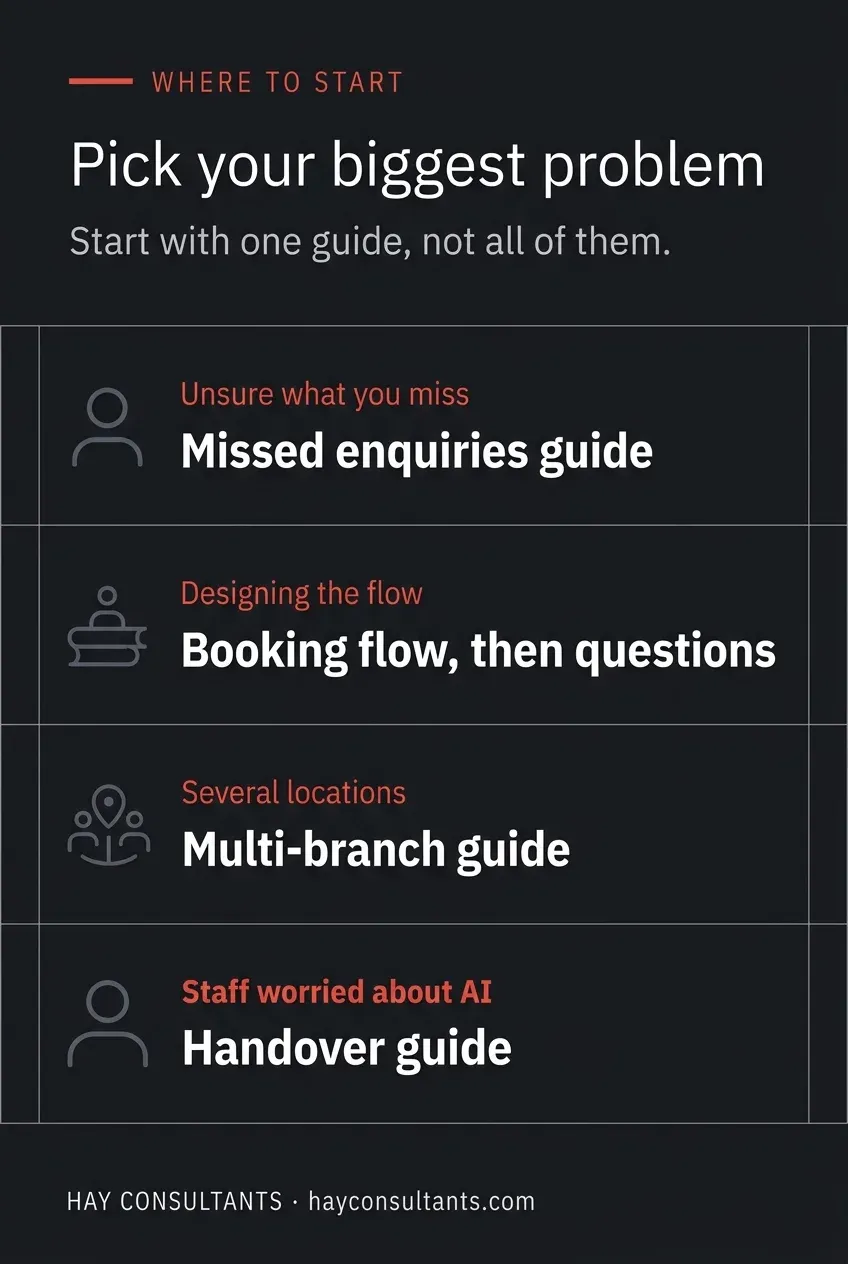
You do not need to read every guide. Start with the one that matches your biggest problem.
- If you do not know how many enquiries you miss, start with the guide to missed WhatsApp enquiries.
- If you know the problem and want to design the flow, read the booking flow guide, then the qualification questions guide.
- If you run more than one location, add the multi-branch guide.
- If your staff worry about taking over from an AI agent, read the handover guide first.
Design the process on paper before anything is built. An agent that follows rules your team already trusts is easier to review, and easier to correct.
Next step for your clinic
If you want to see how an AI WhatsApp agent would work for your enquiries, message HAY Consultants on WhatsApp. We will go through how messages reach your clinic today, where they go unanswered, and what the first step could be.